
Polished Emails – Mastering the Art of Sending Documents with Attachment Sample Email
In today’s fast-paced digital world, the ability to communicate effectively via email is more crucial than ever. Whether you’re sending a vital contract, a project proposal, or simply sharing important files, the way you present your email can significantly impact the recipient’s perception. Mastering the art of sending documents with an attachment sample email for sending documents is a skill that can elevate your professional image and ensure your message is received with the attention it deserves.
Essential Elements of Effective Document Attachment Emails
Sending documents as attachments requires more than simply hitting the “attach” button. A well-crafted email demonstrates professionalism and respect for the recipient’s time. Here are the key elements to consider –
- Clear Subject Line – The subject line is your first impression. Be specific and concise. Instead of a generic “Document Attached,” try something like “Project Proposal – [Project Name]” or “Contract Agreement – [Your Name].” This allows the recipient to quickly understand the email’s purpose.
- Professional Greeting – Begin with a polite and appropriate greeting. “Dear [Recipient Name],” is a safe and universally accepted choice. Avoid overly casual greetings unless you have a very close professional relationship with the recipient.
- Brief and Purposeful Body – The body of your email should be concise and directly related to the attached document. State the purpose of the document and any actions you require from the recipient. For instance, “Please find attached the contract agreement for your review and signature.”
- Contextual Information – Provide any necessary context related to the document. If it’s a revision, mention what changes were made. If it’s a proposal, briefly highlight the key benefits. This helps the recipient understand the document’s significance without having to sift through it immediately.
- Call to Action – Clearly state what you expect the recipient to do with the document. Do you need them to review it, sign it, provide feedback, or take some other action? Make it easy for them to understand your request.
- File Name Convention – Use clear and descriptive file names for your attachments. Avoid generic names like “Document1.pdf.” Instead, use names that reflect the content, such as “ProjectProposal_CompanyA_2024.pdf.”
- File Format Compatibility – Consider the recipient’s ability to open the file. PDF is generally a safe and widely compatible format. If you’re using a less common format, it’s helpful to mention it in the email and potentially offer an alternative.
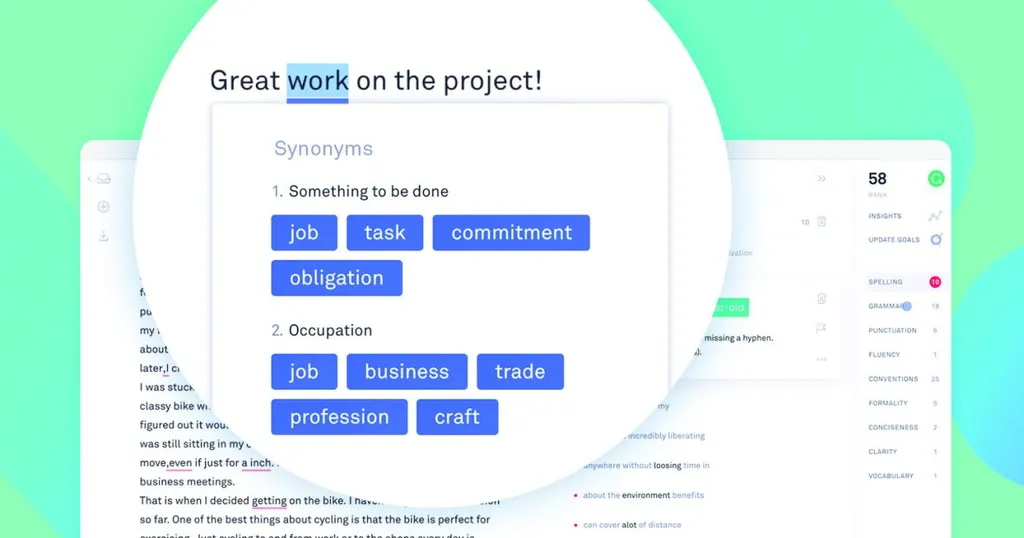
- Proofreading – Always proofread your email for grammar and spelling errors. A polished email reflects attention to detail and professionalism. A grammar check tool can be invaluable for catching those last-minute mistakes.
- Professional Closing – End with a polite closing, such as “Sincerely,” or “Best regards,” followed by your full name and contact information.
Leveraging AI for Email Excellence & Perfect Grammar Check
In today’s technology-driven world, AI-powered tools can significantly enhance your email writing and ensure effective grammar check. Here’s how –
- Grammar and Spelling Checkers – AI-powered grammar checker can identify and correct errors in your writing, ensuring your email is free of typos and grammatical mistakes. These tools go beyond basic spellcheck and can detect more subtle errors, such as incorrect word usage and awkward phrasing.
- Tone Analysis – Some AI tools can analyze the tone of your email and provide suggestions for improvement. This can be particularly useful for ensuring your message is perceived as professional and respectful.
- Email Template Generators – AI can generate email templates based on your specific needs. This can save you time and effort, especially when sending similar emails frequently. You can then customize the template to fit each individual situation.
- Subject Line Optimization – AI can help you craft more effective subject lines that are likely to capture the recipient’s attention and increase open rates.
- Attachment Sample Email for Sending Documents Ideas – AI can provide you with examples and suggestions for crafting the perfect email to accompany your attached documents. This can help you ensure you’re including all the necessary information and presenting it in a clear and professional manner.
By incorporating these elements and leveraging the power of AI, you can transform your document attachment emails from mundane tasks into opportunities to make a positive impression and facilitate effective communication. Remember, every email is a reflection of you and your organization.